Set Compare at price relative to Price in Shopify using EditEngine
Set Compare-at Price as a Percentage of Price
1\. Navigate to EditEngine App

2\. Click "New Bulk Edit"

3\. Click "Select Field"

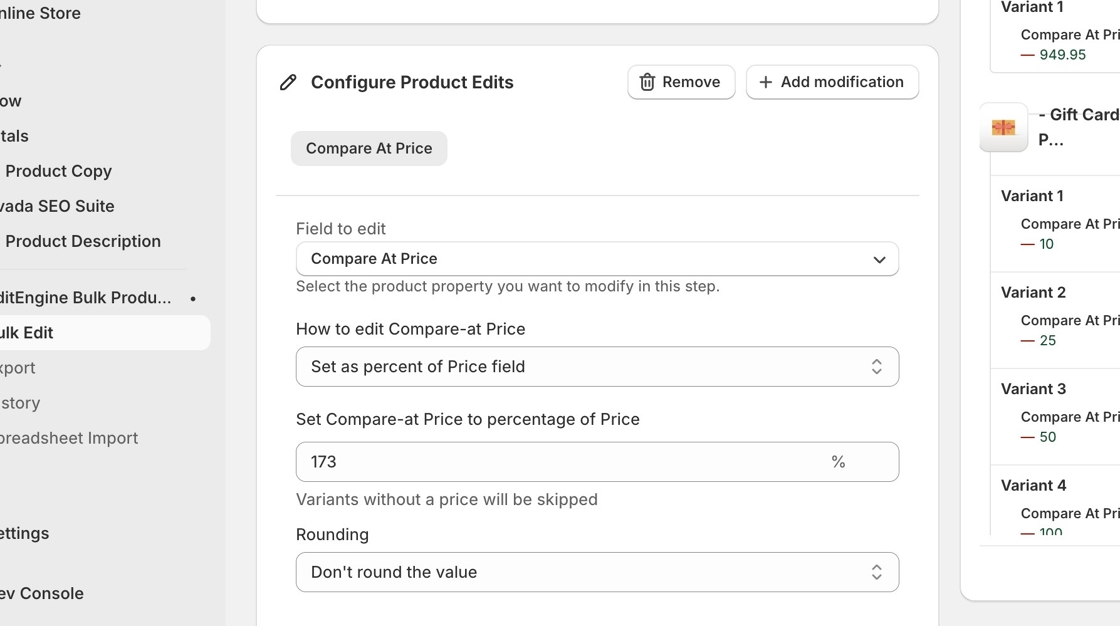
4\. Click "Compare At Price"

5\. Select the "Set as percent of Price field" option.

6\. Type "200" % if you want your variant's compare at price to be 200% more than your variant's price.
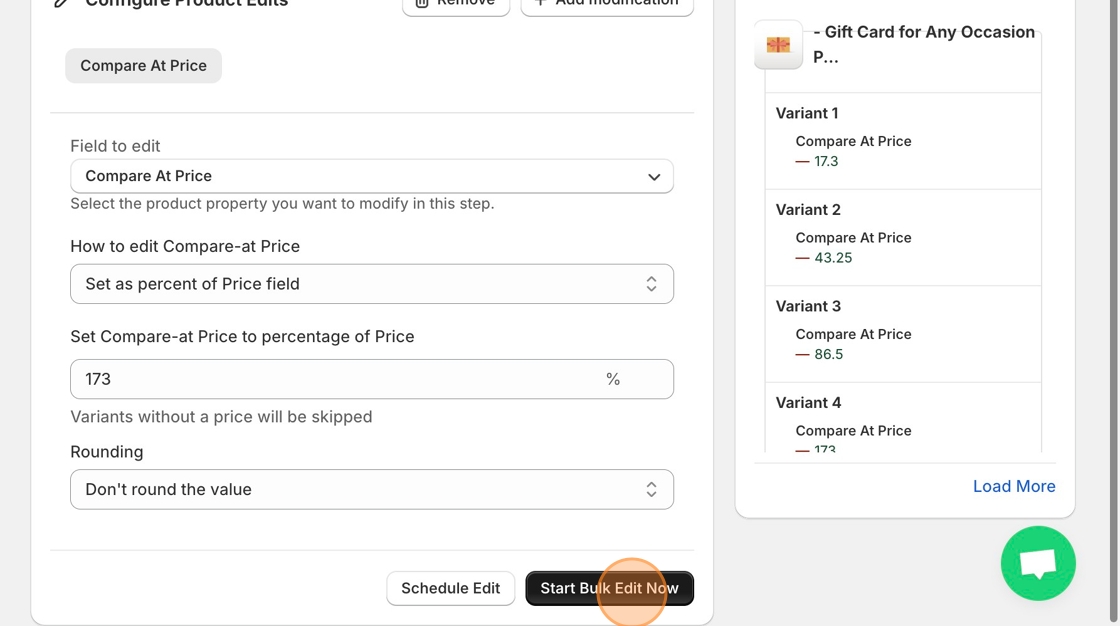
7\. Click "Start Bulk Edit Now"
Updated on: 10/11/2025
Thank you!